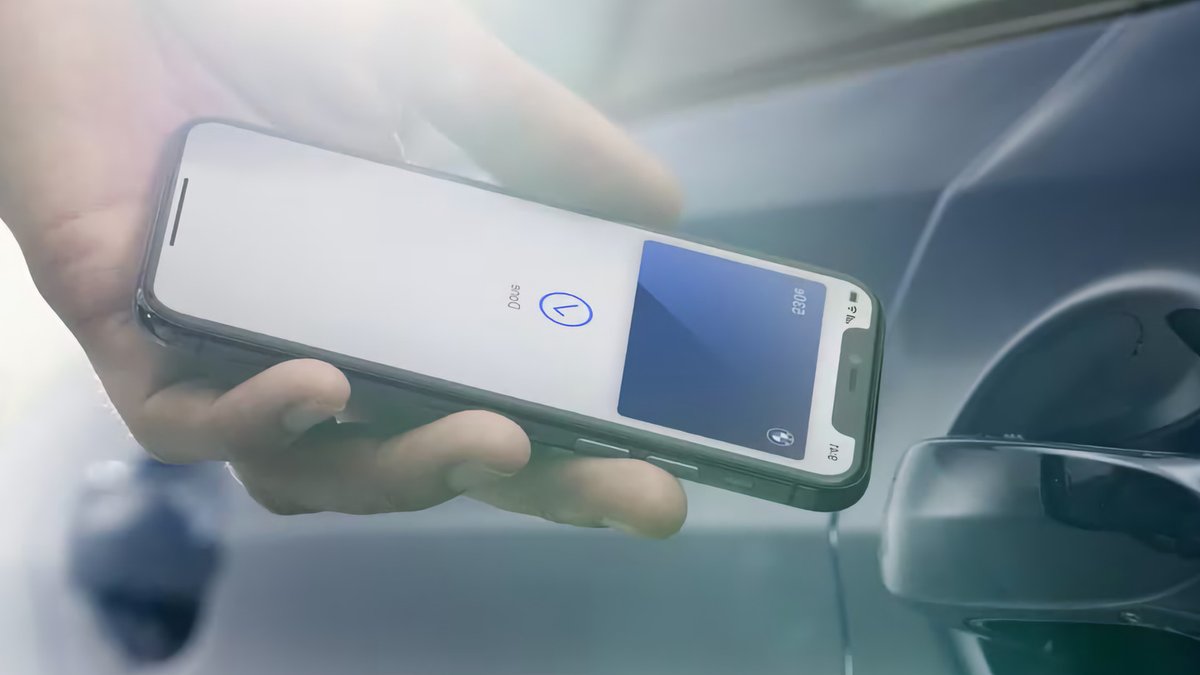
Adding a digital car key to an iPhone lets you unlock or start a vehicle with a tap, removing the need to dig for a physical key fob. The feature uses the same technology as Apple Pay, relying on NFC chips and Bluetooth to interact with compatible cars. While it launched in 2020 with limited support, the list of compatible models has grown significantly since then.
Apple implemented the digital car key feature through the Wallet app using the Car Connectivity Consortium’s Digital Key specification. When you set up the key, a digital copy is cryptographically secured on your device. Locking and unlocking typically involves tapping your iPhone to a reader, similar to paying for a purchase. The phone uses its built-in NFC chip for this interaction, while Bluetooth handles remote locking and unlocking.
Passive entry, where the car unlocks automatically as you approach, uses the U1 ultra-wideband chip found in newer iPhones to determine your location. With “Express Mode” enabled, the phone can perform these actions without you first unlocking the device itself. Apple says this feature will automatically turn on once the initial pairing is complete.
Related: API Now Streams Trump’s Truth Social Posts
Setting up the key often requires being near the vehicle. The process varies by manufacturer. Some car brands send an email or text message to prompt the setup, while others require you to add the key through their specific mobile app. You may need to create an account with the manufacturer and associate it with your vehicle before the pairing finishes. In some cases, you must physically touch the phone to the car’s key reader during the setup phase.
Device and vehicle requirements
Compatibility depends on both the phone and the car. You need an iPhone running iOS 13 or later that has an NFC chip. This means an iPhone XS or later, or a second-generation iPhone SE or newer. The feature is not available on older models.
The list of supported vehicles has expanded beyond the initial BMW 5 Series. Major brands like Hyundai (including the Tucson, Ioniq 5, and Ioniq 6) and Rivian (the R1T and R1S) now support the system. Apple directs users to their car manufacturer for a definitive list, though the company notes which models offer digital keys on its CarPlay compatibility page.
Related: EU softens climate rule to permit more pollution
Sharing a key is straightforward. You select the key in the Wallet app, tap the Share button, name it, and choose a contact. The app authenticates your identity before sending the key. You can add an activation code for extra security, which the recipient must provide to use the key. If you lose your phone, marking it as lost in the Find My app disables the stored keys, though shared keys remain active for the recipient.
There is a practical limitation to consider regarding power. If the phone battery dies, digital keys with Express Mode will still work for about five hours. This window provides a small buffer if you are caught without a charger, but keeping a physical backup key remains the safest option.


