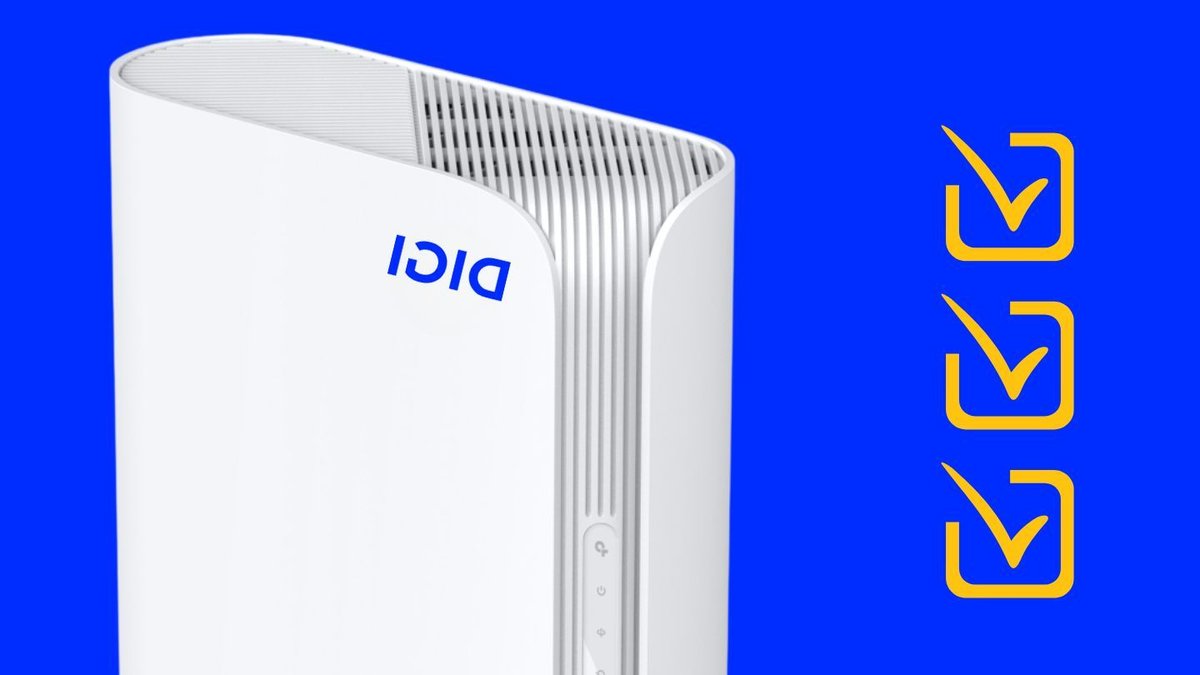
The TP-Link XGB430v router from DIGI has three settings that can improve WiFi performance. These settings, OFDMA, TWT, and BSS Color, are disabled by default but can be activated to enhance the overall connection quality.
OFDMA allows the router to allocate resources to multiple devices, enabling them to exchange data simultaneously. This feature is particularly useful when multiple devices, such as smartphones, computers, and other equipment, are connected to the network.
Understanding OFDMA, TWT, and BSS Color
OFDMA can improve WiFi performance by distributing resources efficiently. However, it requires compatible devices to function effectively. The improvement in performance also depends on the traffic and devices connected to the network.
TWT, or Target Wake Time, enables the router and a compatible device to agree on when to activate the connection to send or receive data. This feature can help reduce the power consumption of devices, especially those that run on batteries.
BSS Color helps identify whether a transmission belongs to the user’s network or a nearby one. This feature is essential in environments where multiple networks overlap, such as in a building with multiple apartments.
Activating the Settings
To activate these settings, users need to access the router’s configuration page. This can be done by connecting to the router, typing 192.168.1.1 in the browser’s address bar, and logging in with the administrator credentials.
Once logged in, users can go to the Advanced > Wireless > Wireless Settings menu, where they can find the three settings. It is recommended to save a screenshot of the current configuration before making any changes.
Users should activate one setting at a time and test the network’s performance before enabling the next one. This will help identify any potential issues and determine which setting is causing the problem.
In the case of OFDMA, users should test the network’s performance with multiple devices connected. For TWT, the improvement in power consumption may be difficult to notice, but it can be measured by monitoring the device’s battery life.


