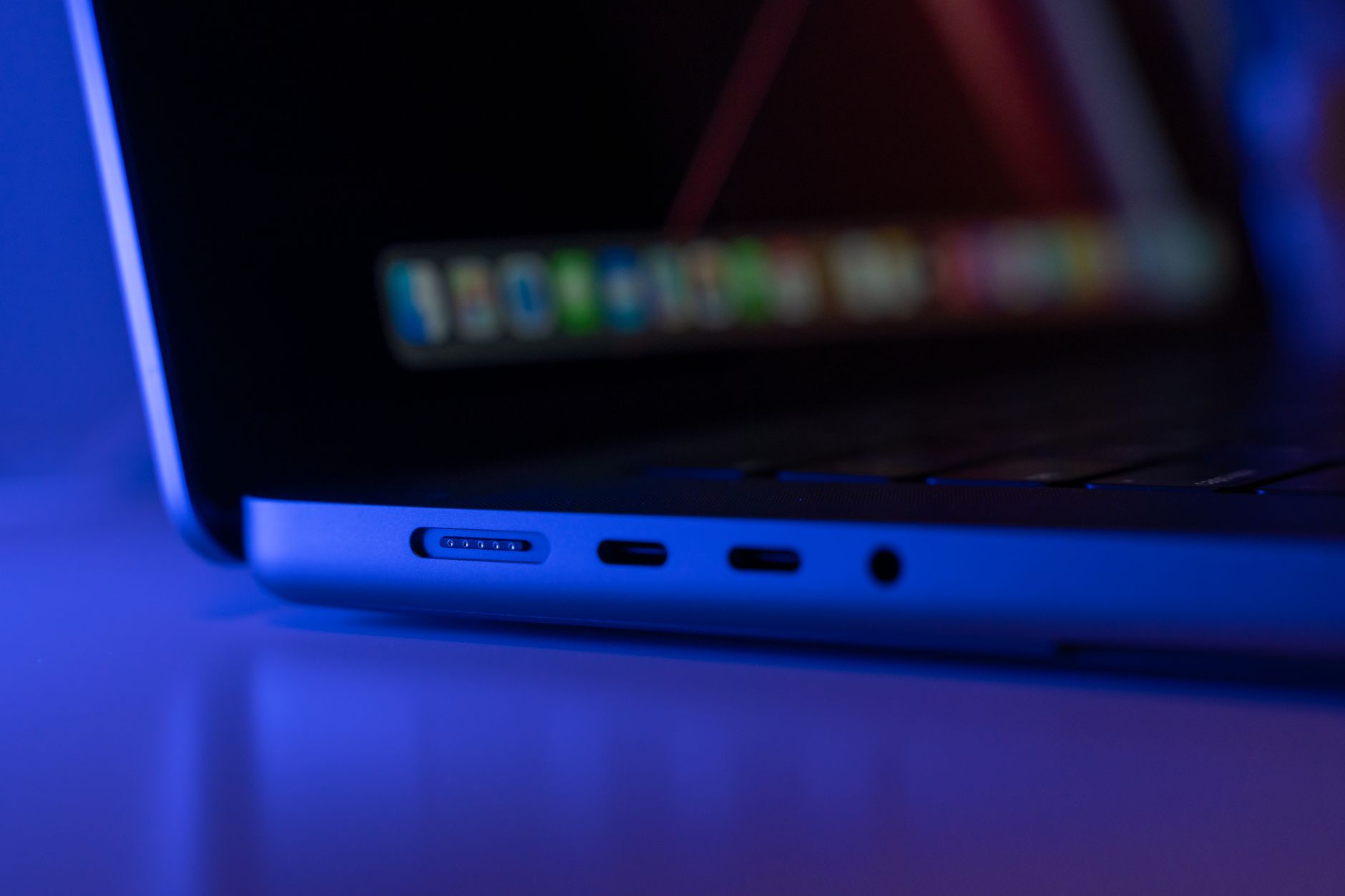
The color of a USB port or connector is supposed to tell you something about its speed and power. Blue usually means USB 3.0 or faster. Black or white typically means USB 2.0. Purple, however, is a different story — and one that rarely makes it to the US market.
Purple USB-C connectors can mean more than one thing, and neither is an official standard from the USB Implementers Forum (USB-IF), the industry body that regulates USB specifications. White (USB 1.0), black (USB 2.0), and blue (USB 3.0 and later) are the only colors the USB-IF recommends. Any other color — green, orange, or purple — has no official meaning.
In practice, it has a common but far from universal connotation.
Related: Engadget website error disrupts access
Why purple USB ports are rare in the US
The company now uses that color only on its 25W Mini Charger. Its other SuperPower Wall Chargers — the 100W and 66W models — have orange USB-A and USB-C connectors instead. Huawei’s 6A phone charging cables all use orange connectors as well. So even within Huawei’s own lineup, that color is becoming less common.
The exception is some non-Huawei cable makers. Certain USB 3.1 Gen 2 cable manufacturers use either teal blue or that color on connectors to indicate faster data transfer speeds — 10Gbps compared to 5Gbps — along with higher charging capacities.
Other colors add to the confusion. Red ports on desktop computers and yellow ports on laptops usually indicate USB 3.2 or USB 3.1 Gen 2, but they are also used for charging-only ports. Green typically marks Type-A or old-school Type-B connectors that support Qualcomm’s Quick Charge. Razer, for its part, uses green purely as a branding choice on its laptops.
Color alone isn’t a reliable guide
Consumers are often misled by these color schemes, believing they guarantee fast power delivery and data speeds. That assumption can have consequences. The wrong charger or cable can shorten a battery’s lifespan or, in rare cases, cause a fire or explosion. Color coding is not a safety standard.
Related: Not Receiving Verification Code Texts on iPhone
One journalist’s experience illustrates the problem.
Testing an Honor Magic4 Pro smartphone with its 100-watt charger and cable — which had orange connectors — the charger and cable worked fine with the phone but failed completely when plugged into a MacBook Air or other devices. The charger and cable were effectively limited to Honor’s own ecosystem, despite the color suggesting general fast-charging capability.
Buying a USB cable based on color is not wise. The better approach is to look for USB-IF certification from reputable manufacturers like Anker and Apple. The latest USB Power Delivery 3.1 specification allows for safe power delivery at up to 140W, 180W, and 240W levels, with proper certification.
Related: ChatGPT Improves Memory for Free Users
For data speeds, check the USB data standard directly.
USB 3.1 (sometimes called USB 3.2 Gen 1) tops out at 5Gbps. USB 4 reaches 40Gbps or even 80Gbps with Thunderbolt 5 compatibility. Some devices — TVs, desktop PCs, and even the MacBook Neo — still have ports using the older USB 2.0 spec, which maxes out at 480Mbps. That’s fine for mice and keyboards, but not much else.
If you need both high speeds and fast charging, look for USB-IF power delivery certification combined with the latest USB data standards. Some cables offer both. And yes, you can get them in that color — but only on the outside.


