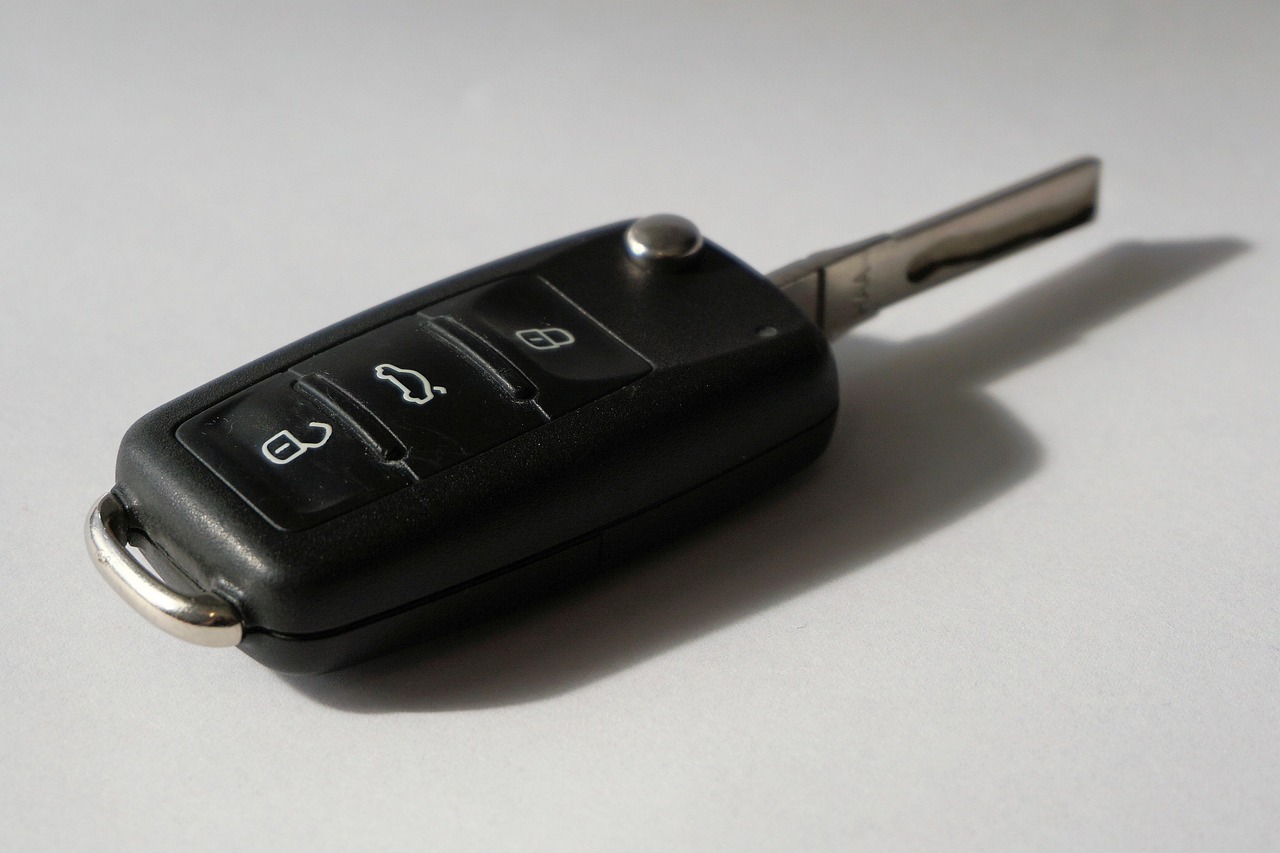
Google’s push to turn Android phones into car keys is designed to be both secure and shareable, but it comes with some practical limits. If your phone and vehicle are compatible, Google Wallet can unlock your car and, in some cases, start it remotely. Understanding how the feature works and what hardware it requires can prevent setup headaches and keep you safer.
How Android Digital Car Keys Got Started
Google added digital car key support with Android 12 in 2021, a year after Apple launched CarKey on iOS. Both systems store a digital copy of your key in the default wallet app and control the car over a secure wireless connection. Minimum function is unlocking — extra features depend on the automaker.
Because the key is just data, it can be shared with other phones via a text message, including iOS devices. That’s convenient but also introduces new security considerations.
Related: Ferrari Unveils Luce from Jony Ive’s Design House
The idea predates both companies. The Car Connectivity Consortium, an industry group of car and electronics makers, released its first “Digital Key” standard back in 2018. Today’s smartphone implementation builds on an updated version of that standard.
Under the Hood: Bluetooth, UWB, and NFC
On Android, once you add the key to Google Wallet, the phone connects to the car over Bluetooth and Ultra-wideband. UWB is the same radio technology used in Apple’s AirTags and Google’s Find Hub. If your device lacks UWB, it can fall back on NFC. Some cars also use NFC to authenticate the phone during the initial setup.
These wireless methods may actually be more secure than a standard key fob. According to Google, “digital car keys offer enhanced security compared to key fobs, which are vulnerable to relay attacks.” Relay attacks amplify a fob’s signal to unlock a car without the key being nearby. UWB’s precise ranging means your digital key only works when the phone is physically next to the vehicle.
The same security measures protecting your photos and messages also protect your car’s digital credentials stored on the phone. That’s a solid baseline, but it’s only as strong as the phone’s own lock screen.
Related: Best shots in cricket history, All cricket shots name with image
Adding Your Key — Methods Vary by Car
How you actually get the key into Google Wallet depends on your automaker. Some companies let you add it through their own app. Others send an email with an “Add to Android” button. A few allow setup directly through the in-car display.
Whichever method, you need a Google Account, an up-to-date Android phone with Google Wallet installed, and some form of authentication — either an NFC tap against the car’s reader (often in a wireless charging pad), an authentication code, or both.
Which Phones and Cars Work
Your phone must run Android 12 or later. Compatible devices include the Pixel 6 and newer, Samsung’s Galaxy S26 series, Motorola Razr and Razr Plus, and the OnePlus 15. Google keeps a full list, but any recent phone with Bluetooth, UWB, and NFC should work — though only Bluetooth and NFC are mandatory for basic functions. UWB unlocks extra features like passive entry.
On the car side, support is mostly limited to premium brands and newer EVs, but that’s expanding. Kia’s EV3, EV4, EV5, EV6 Facelift, and EV9 work. So do the Hyundai IONIQ 5 and IONIQ 5N. Drivers of a Volvo EX90, BMW X5, or Rivian built after 2025 are also covered.
Related: Frequently Seen Cryptocurrency Scams and How to Avoid Them
For those with other brands, here are the main US and European automakers that currently support digital car keys on Android, according to Google:
- BMW
- Ford (select models)
- Hyundai
- Kia
- Mercedes-Benz
- Rivian
- Volvo
Security Risks You Don’t Want to Ignore
Using your phone as a key isn’t risk-free. Losing the phone becomes a bigger problem. If you’ve set a weak passcode — or none at all — someone with your stolen phone can drive away. Software glitches can also lock you out of Google Wallet at the worst moment.
The simple fix is to always carry a physical backup key, same way you’d still carry a wallet when using Google Pay. Consider enabling biometric authentication and disabling passive entry — Google’s automatic unlock feature — so you have to intentionally unlock the car. If your phone is stolen, you can suspend or delete the digital key from another device until you recover it.


